This hands-on master class is an immersive session where you’ll explore cutting-edge AI products and walk away with tangible, real-world outputs. Working solo and in groups, you’ll get direct experience with each tool – not just a demo, but actual time in the driver’s seat.
Whether you’re new to AI or looking to deepen your skills, this workshop is designed to move you from curiosity to confidence.
These university style tutorials are suitable for: Administrators | Letting Agents | Property Managers | Business Development Managers Team Leaders | Branch Managers | Business Owners
In this session we will be looking at AI implementations around the world that have succeeded and failed, to learn what works and what doesn’t.
30min
Tutorial 2
Marketing | Creating an AI Clone
Learn how to leverage AI platforms, that when used collaboratively, allow you to build an AI clone and produce high quality video and marketing content in minutes.
30min · Live Demo
Tutorial 3
AI Agents
Learn how to build AI agents to automate time consuming property management processes. This session will take your AI experience to a whole new level.
30min · Live Demo & Hands-On
Tutorial 4
Business Development | Sales
We will be looking at conversational AI and automatically booking your rental appraisals, vibe coding using AI to build a custom funnel, and using AI to create custom workflows and nurturing sequences – 20 automated emails over 2 weeks.
40min · Live Demo & Hands-On
Tutorial 5
Product Training | Tribunal Mode
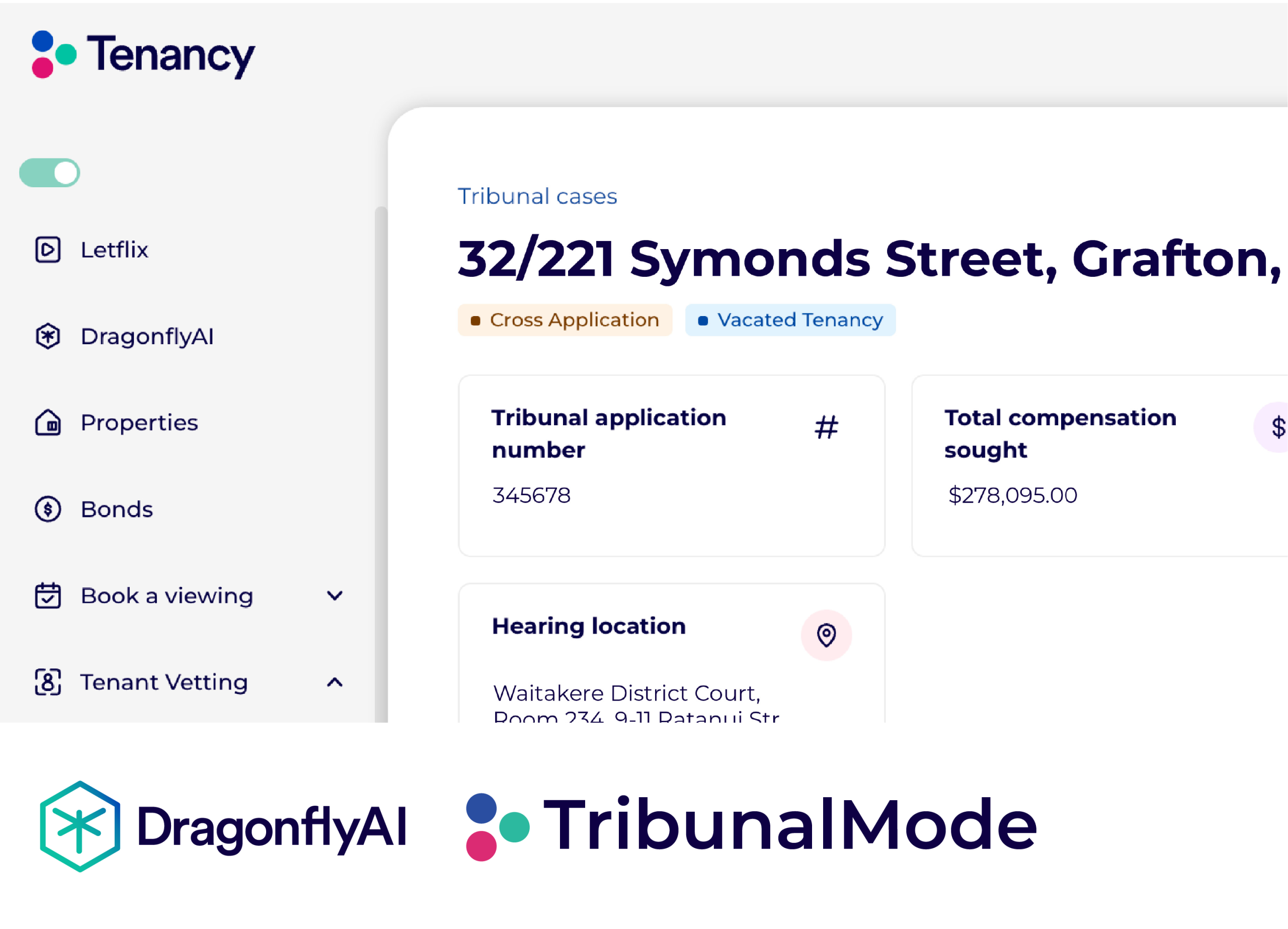
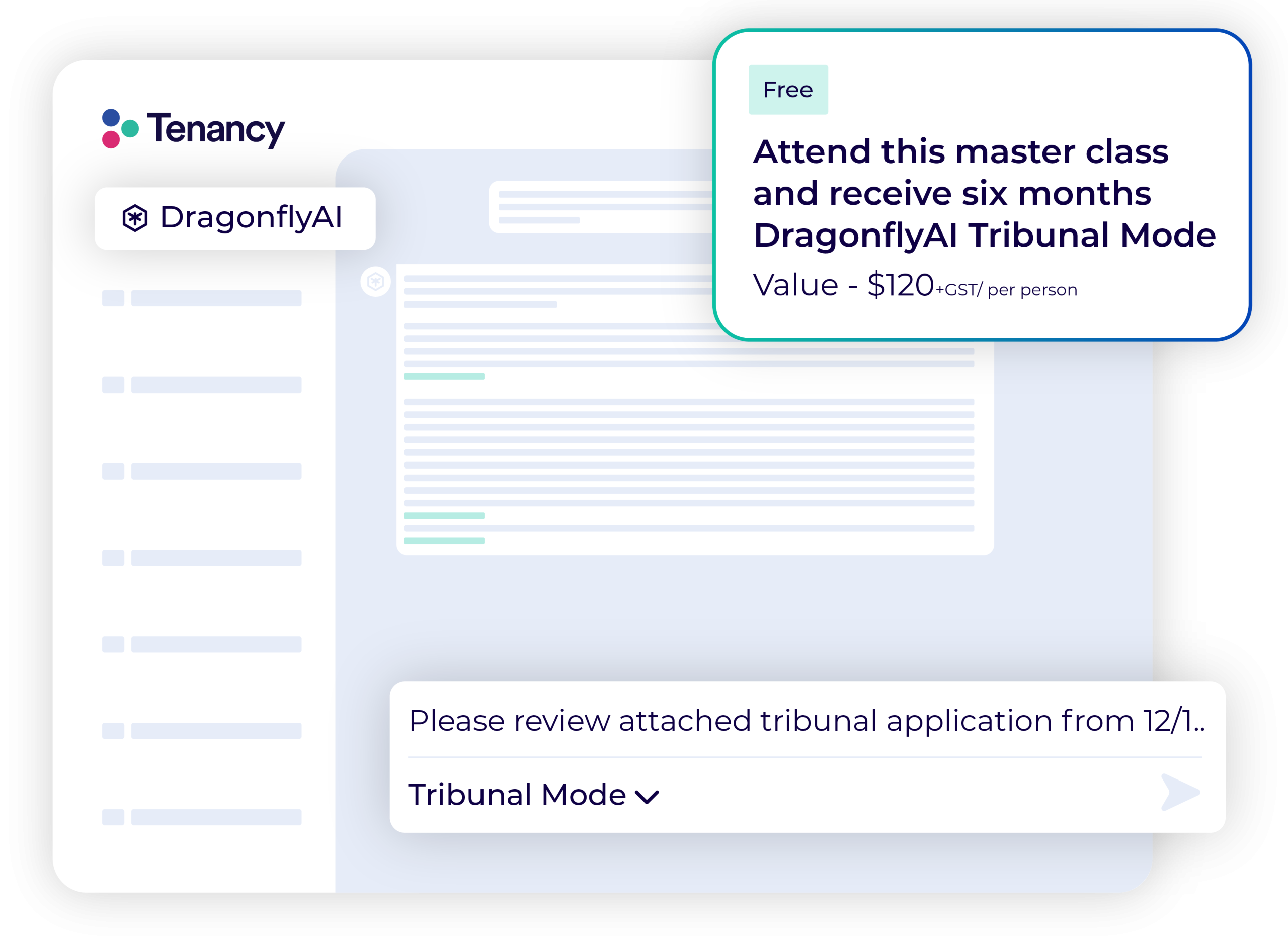
Tribunal Mode is a Tenancy Tribunal management system powered by DragonflyAI. Manage all of your Tribunal hearings in one place, build and defend Tribunal applications in just a few clicks.
20min · Live DragonflyAI Demo & Hands-On
Tutorial 6
The Future
Look ahead at where technology and AI will take the property management industry in the next 12-18 months, and beyond.
Over the last 12 months the industry has seen an explosion of tenants using AI to assist with drafting Tenancy Tribunal applications. In some cases these applications are over 800 pages long – DragonflyAI Tribunal Mode solves this issue.
Locations & Dates
Coming to a location near you, become a pro at using AI and adapt with confidence.
Numbers are limited so make sure you book in before seats sell out.